
The color palette
I spent more time thinking about the site’s color palette than any other design decision. This was largely because I wanted a palette that:
- Had a primary color that was visible in both light and dark mode.
- Had a primary color with many subtle shades, making light and dark mode palettes easy.
- Had a wide available color gamut on most displays.
I did this by experimenting with okclh(L C H / a), which controls
L, perceived lightness, dark to bright ;C, chroma, dull to vivid ;H, hue, or the color angle in polar coordinates ;a, alpha, transparent to opaque .
To create a cohesive palette, I wanted all colors to have the same hue color. Furthermore, between dark and light mode, different colors should have the same relative chroma, but have “inverted” lightness.
I’m still working on this, but here’s what I got so far:
Styling images
Black and white images are automatically inverted on light/dark mode though CSS’ invert.
Post banners get special treatment. The art, text, and watermark are stored as an svg with transparent background. Between light and dark mode, I just swap out the background color. Here’s what the banner looks like on both themes:
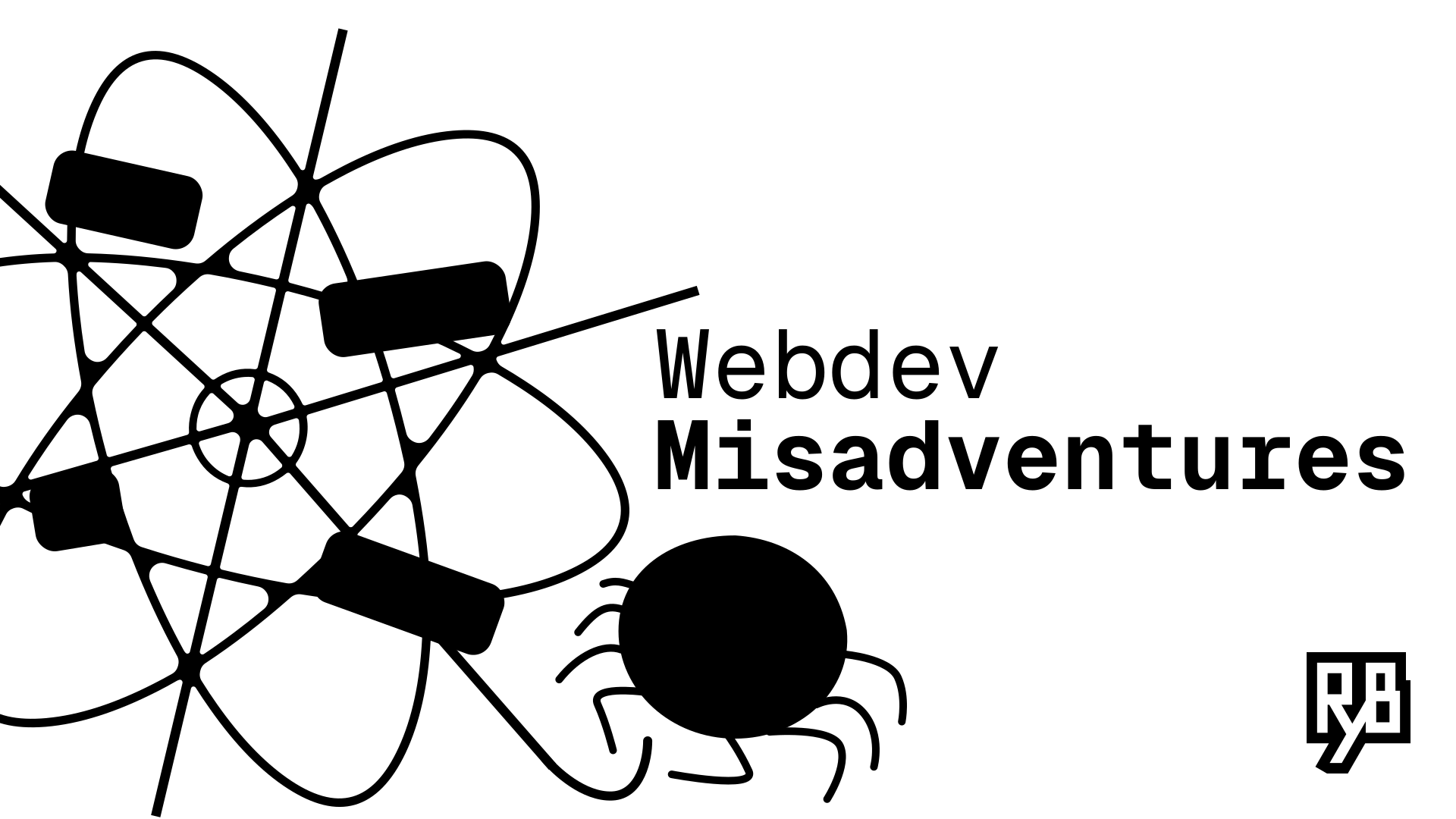
Unfortunately, open graph previews don’t work well with this. So I supply the same banner with background for this.
Styling text
Almost all Markdown syntax is built-in. This includes bold, italics, , and code. Inline code highlighting is done by rehype-pretty-code. Spoiler tags like this are custom inline components.
Sections are done with #, ##, and so on. Tables are just like markdown:
| Column 1 | Column 2 |
|---|---|
| Value 1 | Value 2 |
| Value 3 | Value 4 |
Code blocks are styled by Expressive Code, which allow me to do things like:
function demo() { console.log('this line is marked as deleted') // This line and the next one are marked as inserted console.log('this is the second inserted line')9 collapsed lines
console.log('C') console.log('O') console.log('L') console.log('L') console.log('A') console.log('P') console.log('S') console.log('E') console.log('D') return 'this line is marked and all code in between is collapsed'}Big thanks to Erudite for making Expressive Code work with rehype-pretty-code. Both packages are essential as Expressive Code doesn’t decorate inline code but rehype-pretty-code’s code blocks aren’t as customizable as Expressive Code’s.
Typography
The current default font is Inter and the mono font is Geist Mono. I like how modern and readable these fonts are. They’re also variable fonts.
Serif vs sans-serif was an unexpected point of contention in this website’s design. Half of the people I asked feedback from preferred sans-serif, because it looks modern and clean. The other half argued serif was more academic and better suited my purposes.
Here’s a screenshot of an old version of the site with serif font:

Honestly, I thought it looked disgusting and too much like the default font.
Other typography things: Titles are in titlecase. Sections have the first word and proper nouns capitalized. All files and technical names should be slugified (lowercase with - as spaces).